
Web app
Nothing to install. OpenSCAD runs in your browser as WebAssembly, so every part renders on your own machine and nothing you make is uploaded.
Open the appPrintable mounting parts for Gridfinity, openGrid, Skådis, Honeycomb Storage Wall, MOLLE, GoPro, Arca-Swiss and more, as parametric OpenSCAD that shares one slot convention — so any part attaches to any other. Size it, combine it, drill it and download the STL, right in your browser.
How it fits together
Every part in the catalogue is modelled the same way, whichever system it comes from. That is what lets a part from one system attach to a part from any other — and what the app's three tabs are built on.
The side that does the work — Gridfinity feet, GoPro prongs, a Skådis hook — is the part's bottom, which is also the way it prints.
Its top carries a named slot. Bigger parts add a grid of them, and parts with more faces add slots on their sides.
Put one part's slot on another's and they mate: fused into one body, or held by a real joint you print and then bolt, snap or pin together.
Library1
Every part is parametric. Set grid units, heights and hole options in the sidebar, or grab a square handle in the 3D view and drag it, as in TinkerCAD. Sizes snap to each system's own steps — a Gridfinity unit is 42 mm — and the part renders once, when you let go.
Bench2
Start from any base part and click one of its green slot markers to attach another. Choose how the two join, then turn, shift or move the part until it sits right. Every printable body downloads as an STL of its own.
1 body
Plain attach: the two parts become one solid, printed in one go.
Holes3
Click a face and the hole snaps to its center, its quarters, its corners or a guide line between them. Pick a screw or a connector slot from the presets, and the part — or a model of your own — comes back drilled.
Command palette
In the app, ⌘ K the Search button at the top switches tabs, finds a part, picks a hole type, attaches, exports and changes settings. First letters work too: oib is Open in Bench. Try it here — these are the app's own commands, ranked the way the app ranks them.
The catalogue
Where a standard has a reference implementation, the part calls it rather than re-deriving it. 36 parts are exact: they come from the standard's own library or published numbers, and where someone else has modelled the same thing, CI checks them against it. The rest are parametric — a starting point to measure against your hardware.
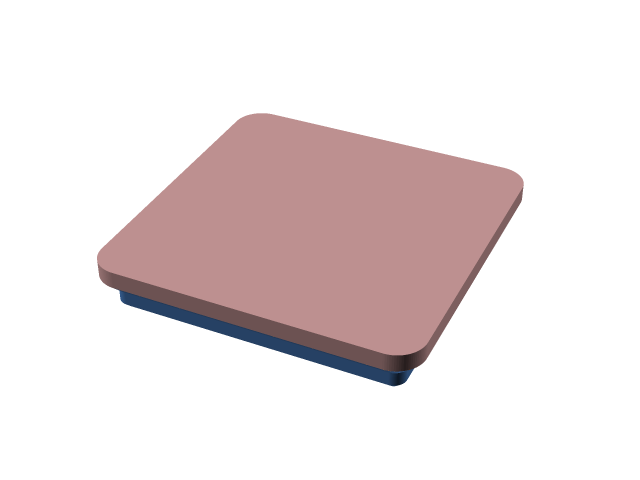 Gridfinity
Bin base
exact
MIT
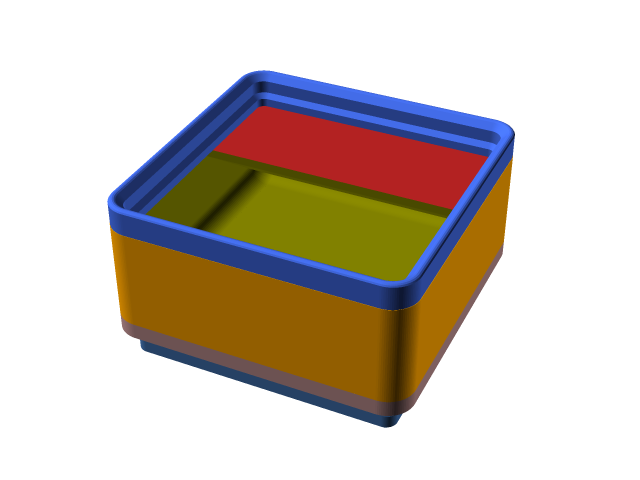 Gridfinity
Bin
exact
MIT
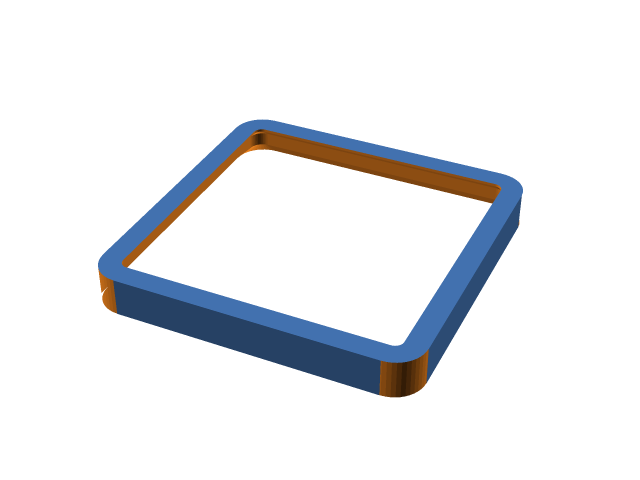 Gridfinity
Baseplate
exact
MIT
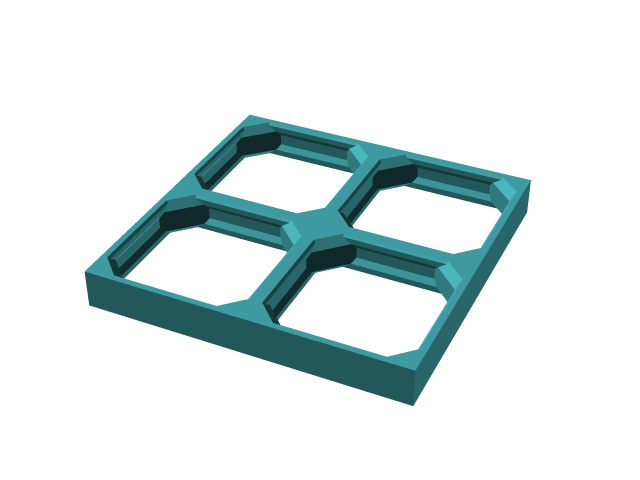 openGrid
Board
exact
CC-BY-NC-SA-4.0
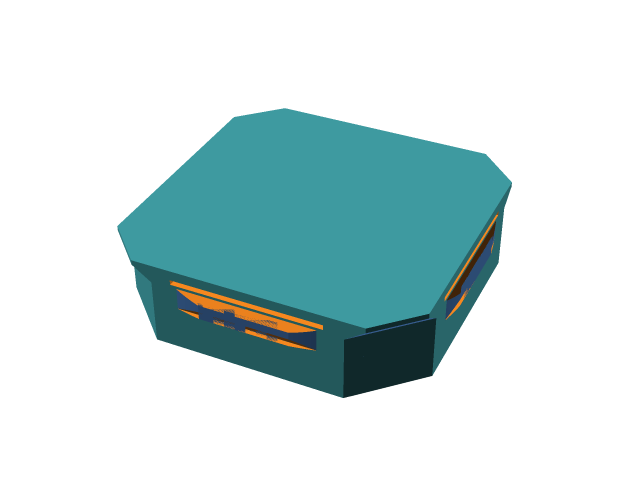 openGrid
Snap
exact
CC-BY-NC-SA-4.0
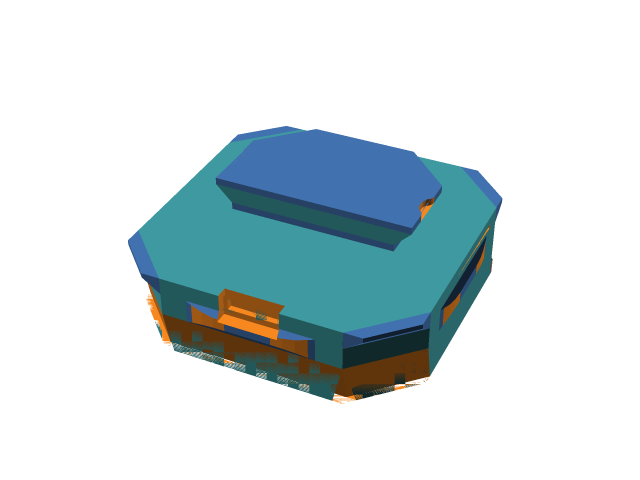 openGrid
openConnect snap
exact
CC-BY-4.0
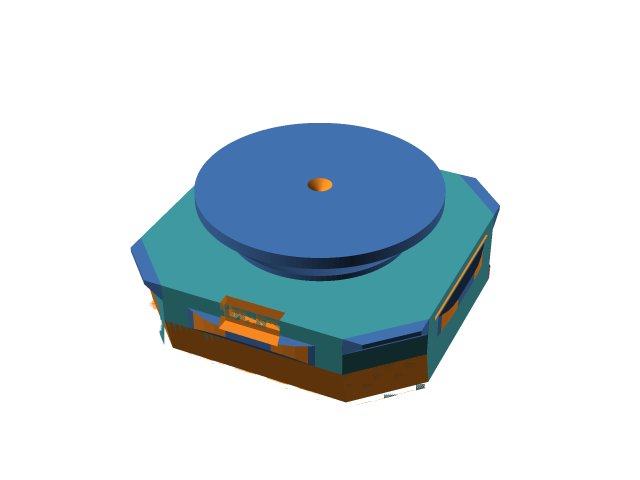 openGrid
MultiConnect snap
exact
CC-BY-4.0
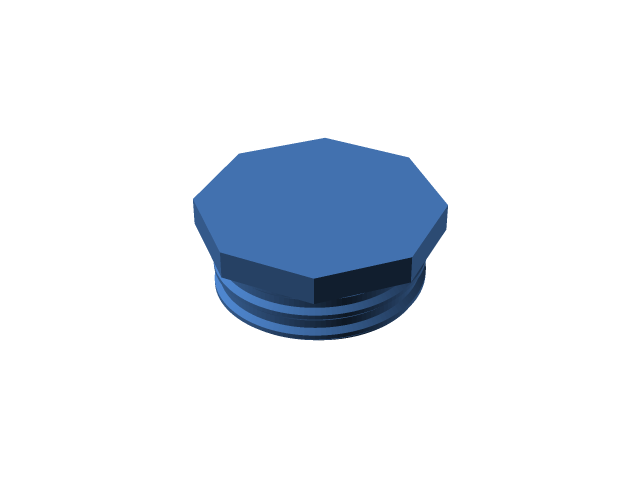 Multiboard
Big-thread snap
parametric
MIT
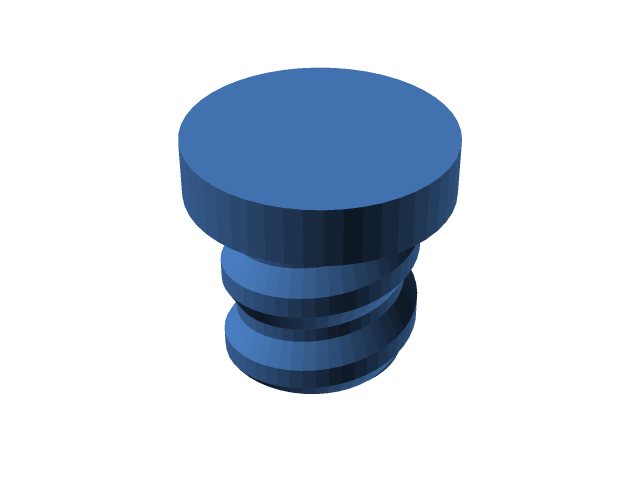 Multiboard
Small-thread peg
parametric
MIT
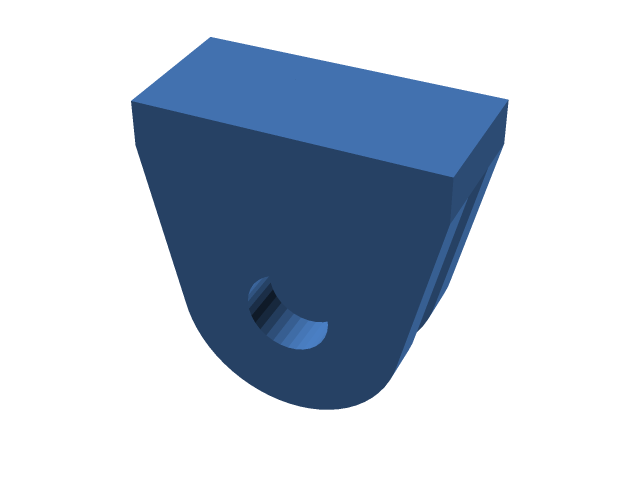 GoPro
Two-prong male buckle
exact
MIT
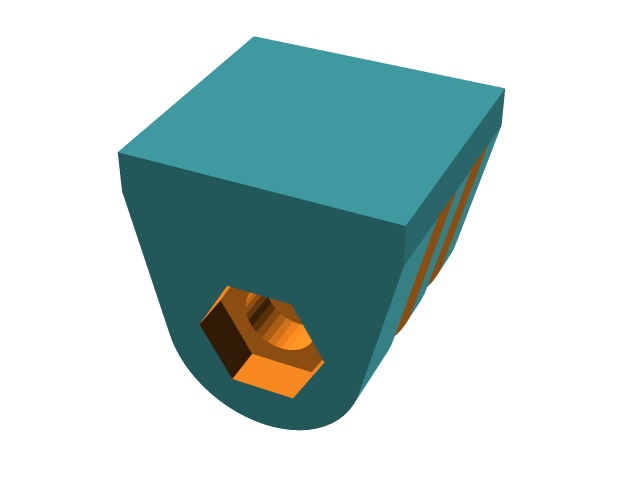 GoPro
Three-prong female buckle
exact
MIT
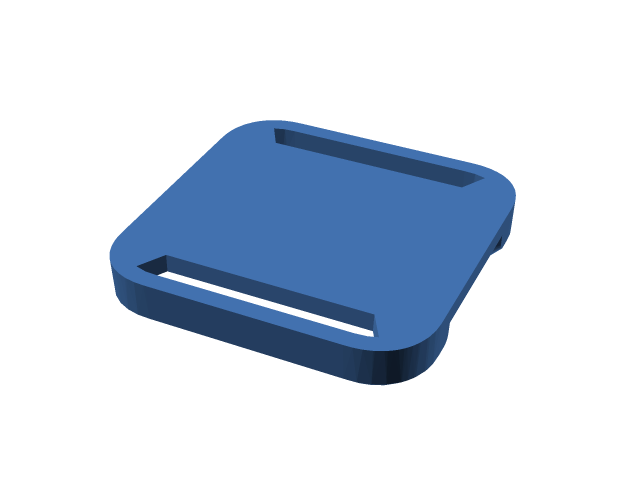 DeckMate / Mechanism
Innie
exact
CC-BY-NC-4.0
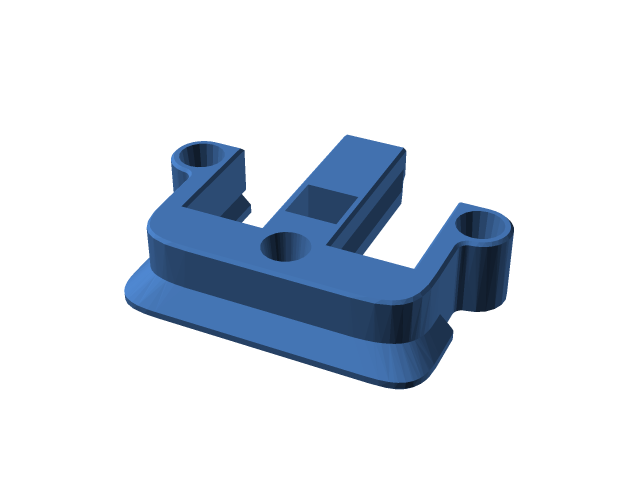 DeckMate / Mechanism
Outie
exact
CC-BY-NC-4.0
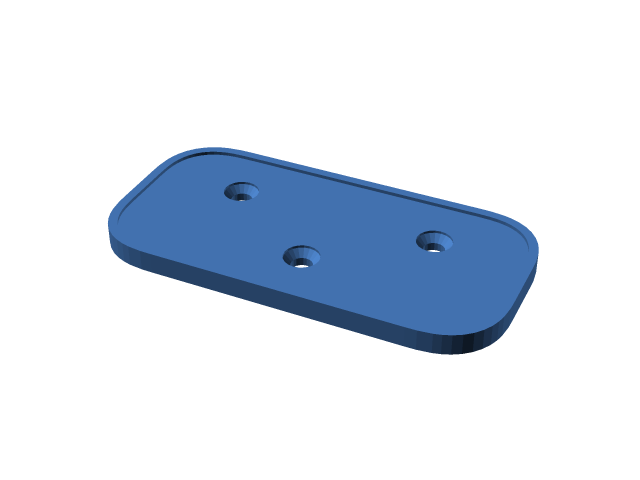 DeckMate / Mechanism
Universal base
exact
CC-BY-NC-4.0
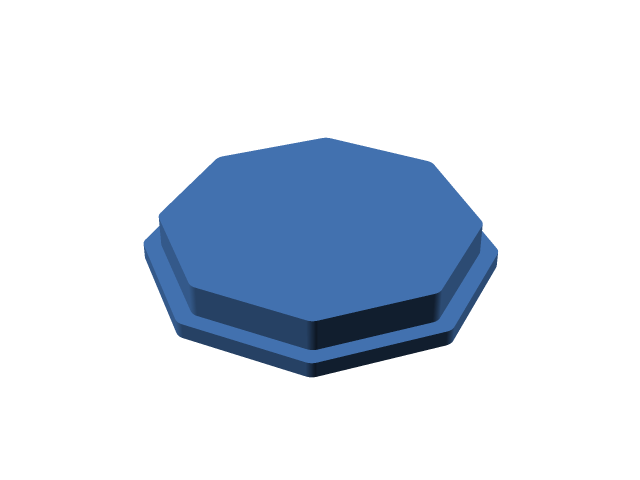 KLIPPT
Base
exact
CC-BY-SA-4.0
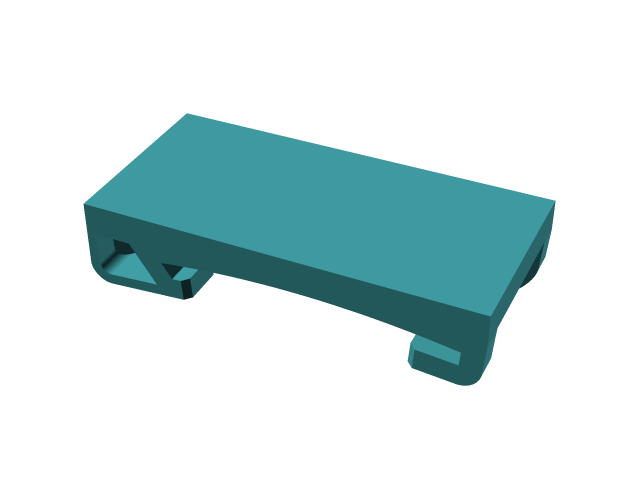 KLIPPT
Clip mount
exact
CC-BY-SA-4.0
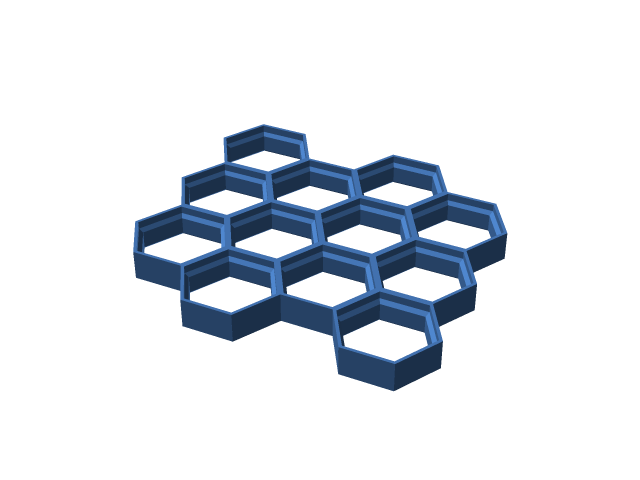 Honeycomb Storage Wall
Wall panel
exact
CC-BY-4.0
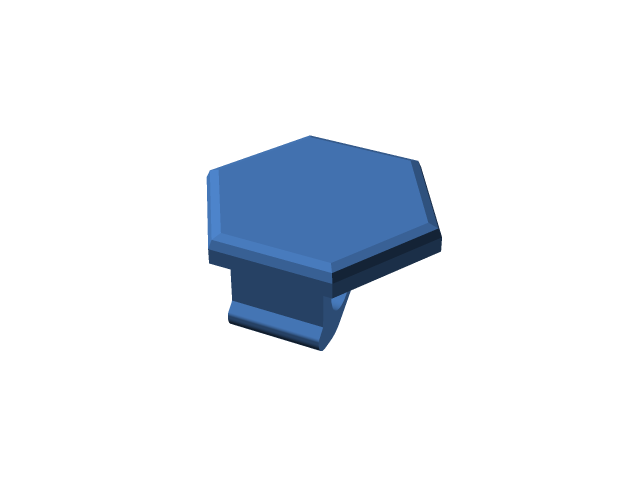 Honeycomb Storage Wall
Insert
exact
MIT
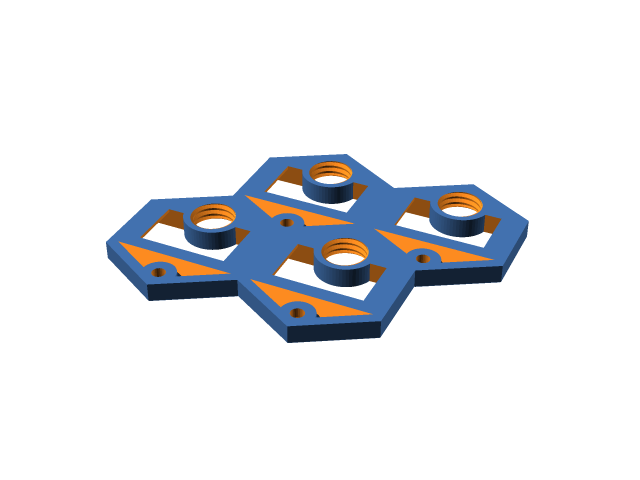 GOEWS
Tile
exact
CC-BY-4.0
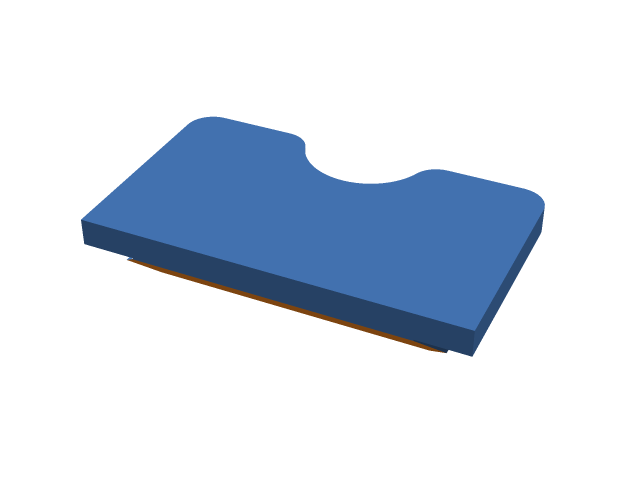 GOEWS
Hanger plate
exact
CC-BY-4.0
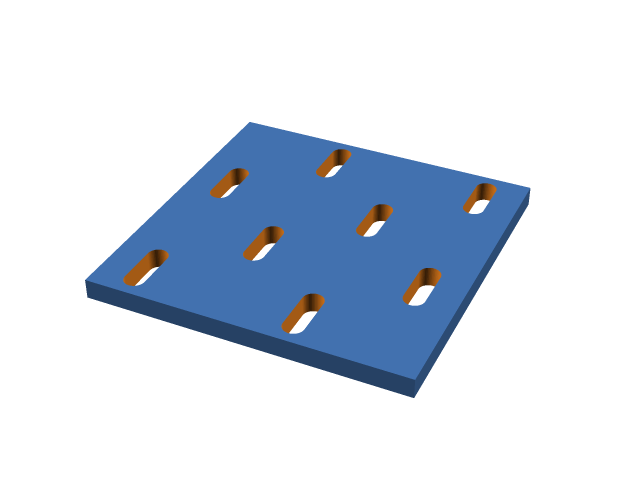 Skådis
Board
exact
MIT
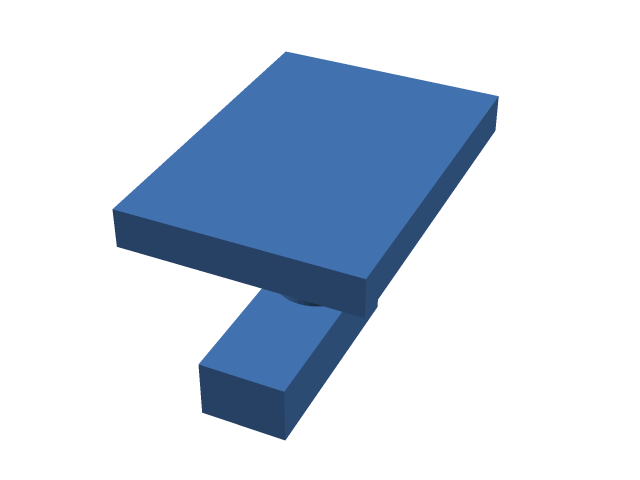 Skådis
Peg
exact
MIT
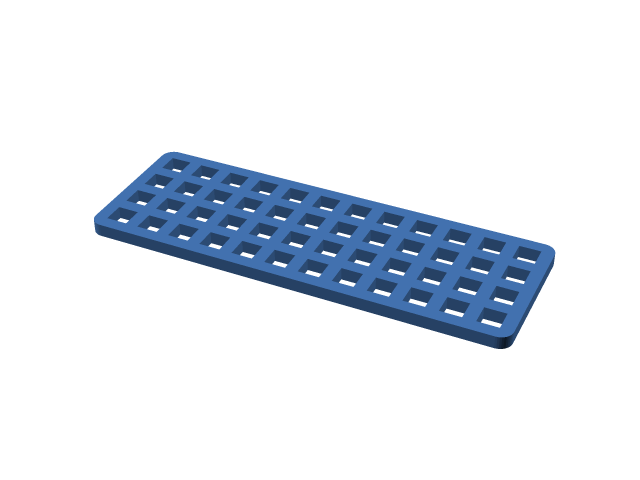 MOD-GRID
Grid
exact
CC-BY-NC-SA-4.0
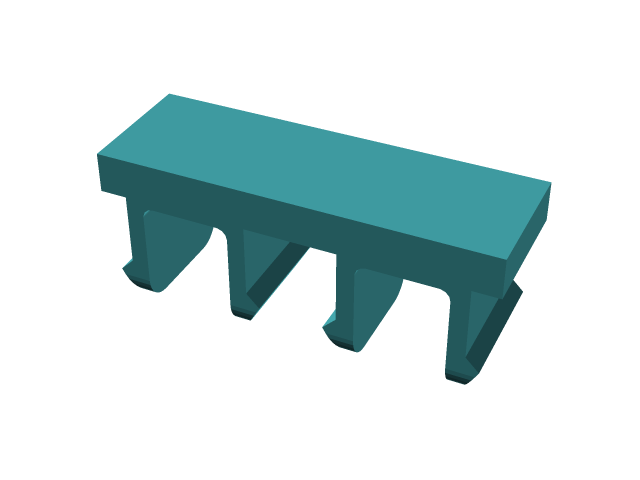 MOD-GRID
Pin
parametric
CC-BY-NC-SA-4.0
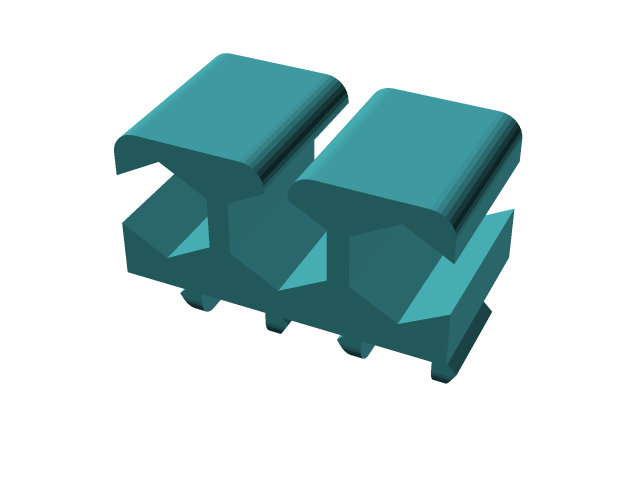 MOD-GRID
Bit holder
exact
CC-BY-NC-SA-4.0
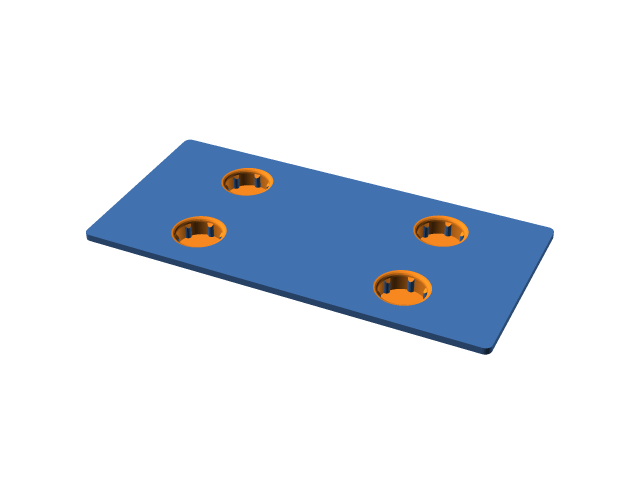 SOLDR
Module base
exact
CC-BY-NC-SA-4.0
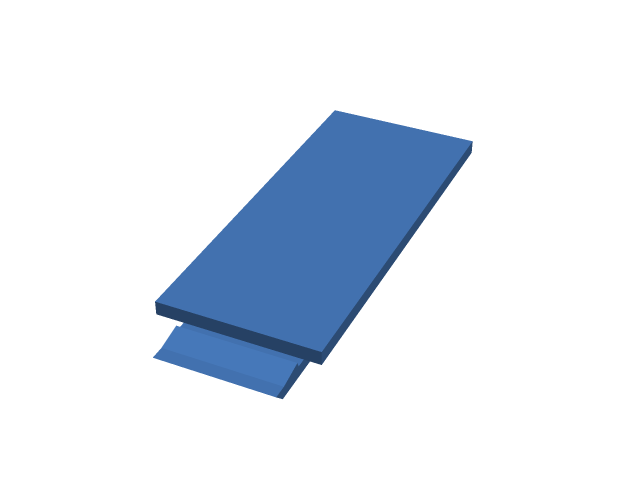 MOLLE
Spine
parametric
MIT
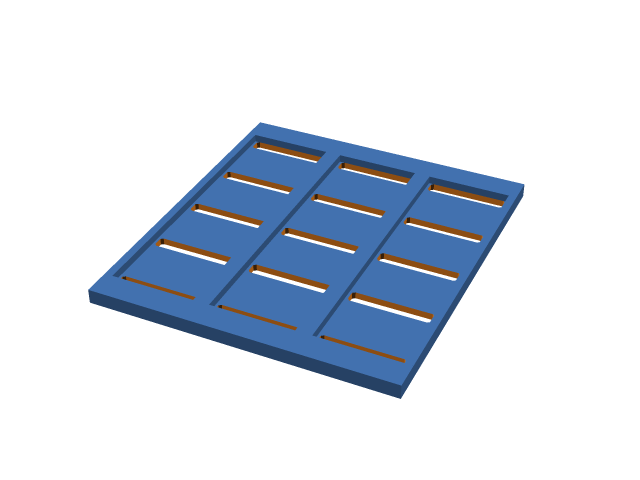 MOLLE
Panel
parametric
MIT
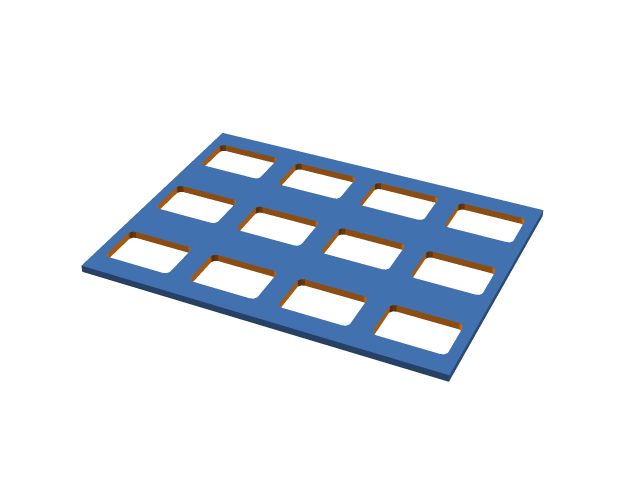 MOLLE
Rigid panel
parametric
MIT
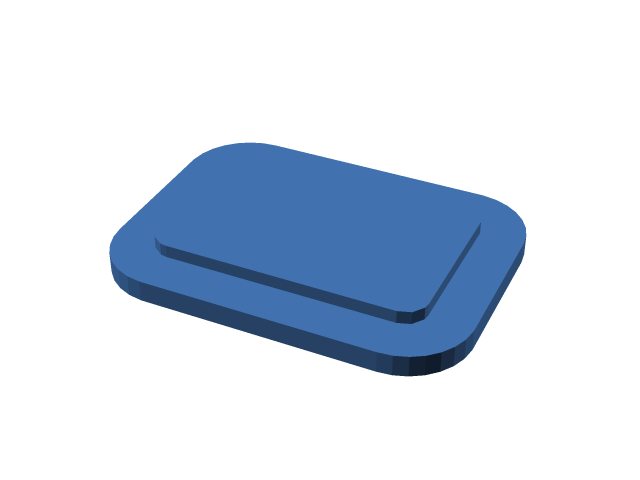 MOLLE
Panel insert
parametric
MIT
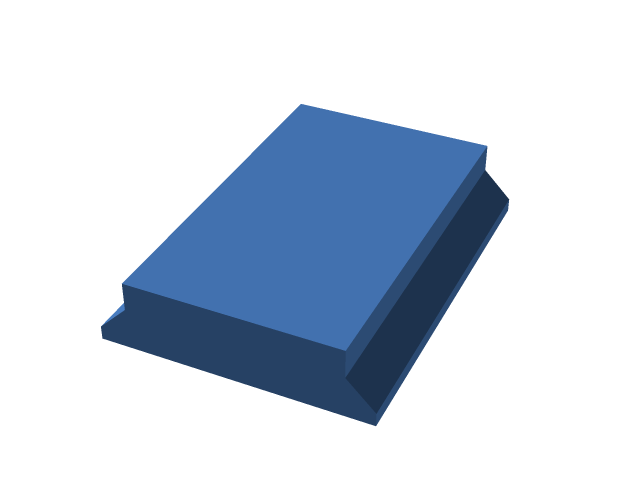 Camera
Arca-style plate
parametric
MIT
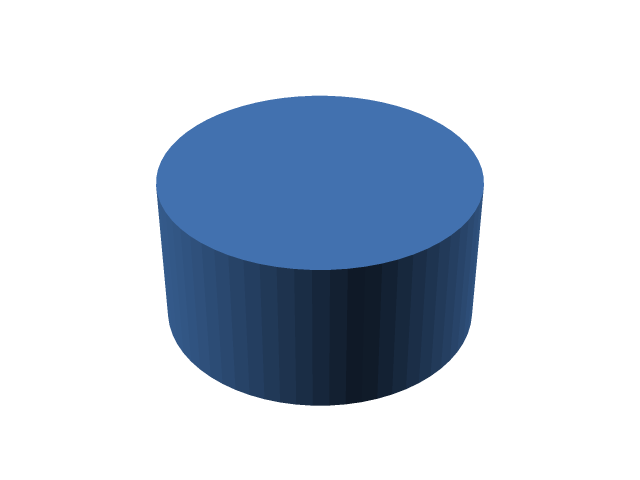 Camera
Tripod socket
exact
MIT
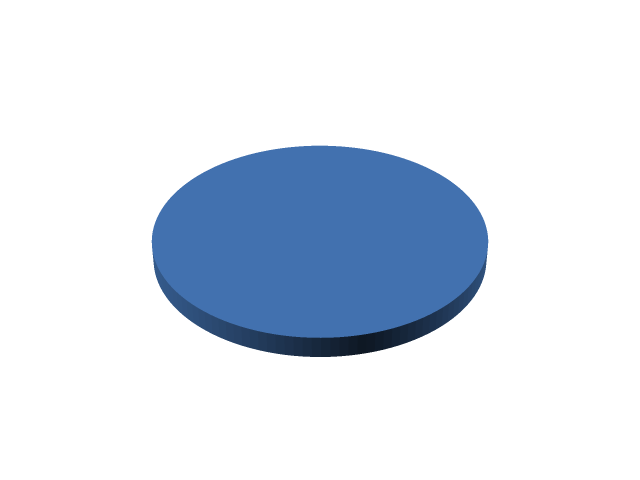 MagSafe
 mount
parametric
MIT
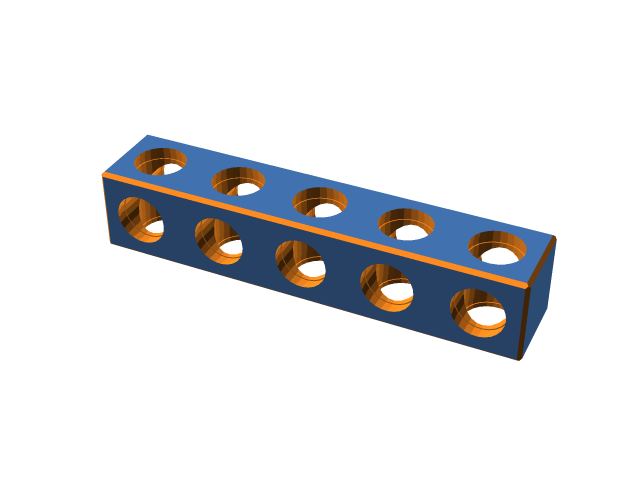 BitBeam
Beam
exact
BSD-3-Clause
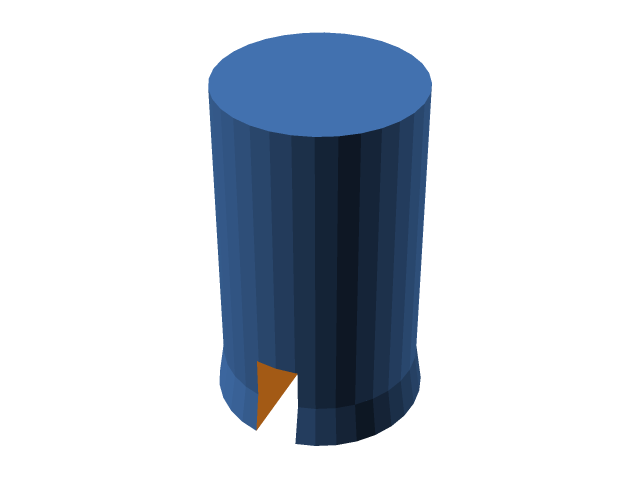 BitBeam
Pin
parametric
CC-BY-NC-SA-4.0
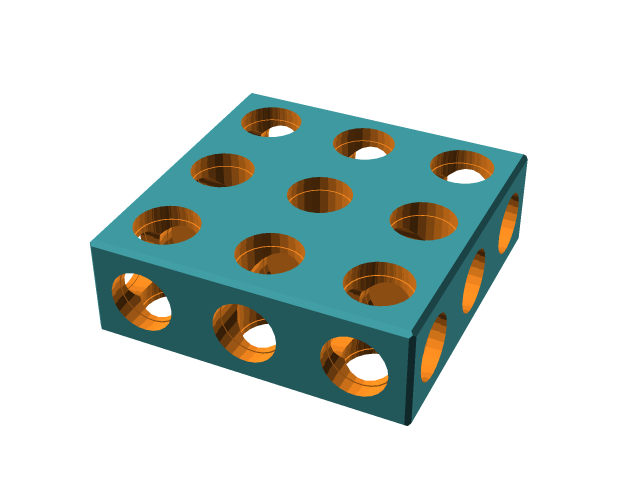 BitBeam
Plate
exact
BSD-3-Clause
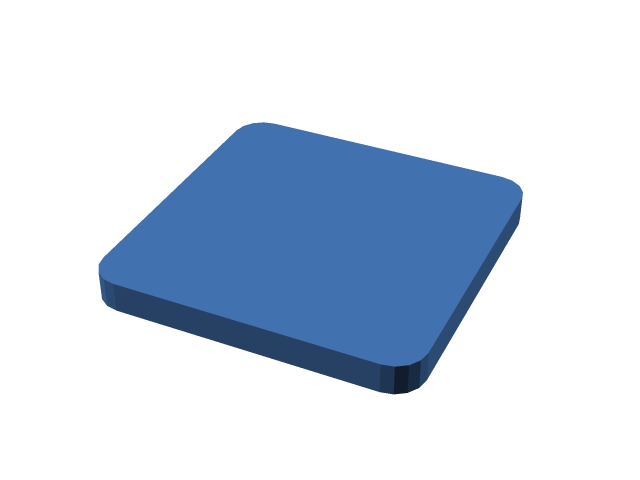 Basics
Flat plate
exact
MIT
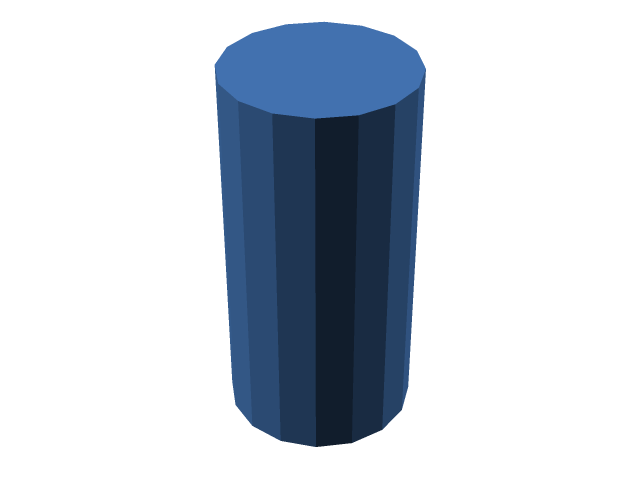 Basics
Round post
exact
MIT
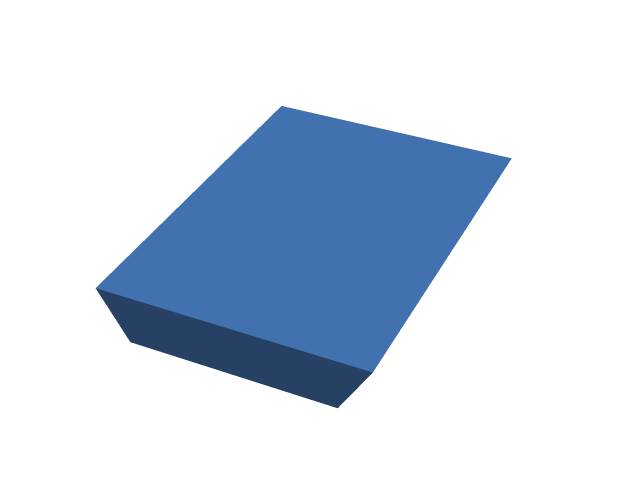 Basics
Dovetail rail
exact
MIT
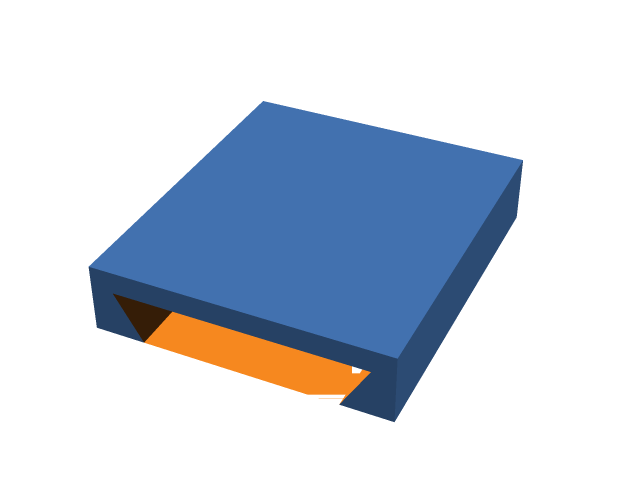 Basics
Dovetail channel
exact
MIT
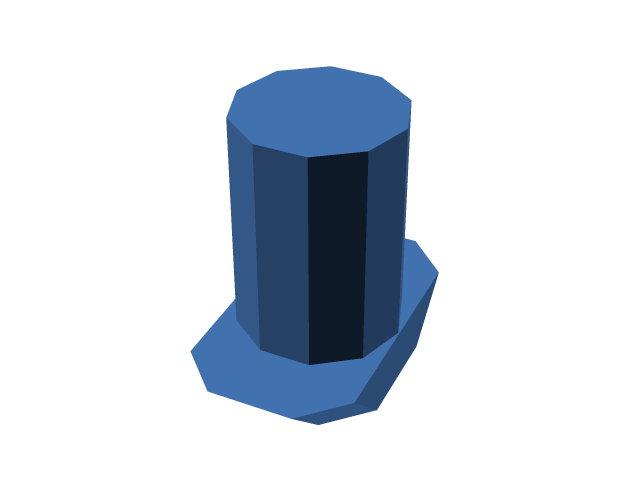 2020 Extrusion
T-slot tab (hammer-head)
parametric
MIT
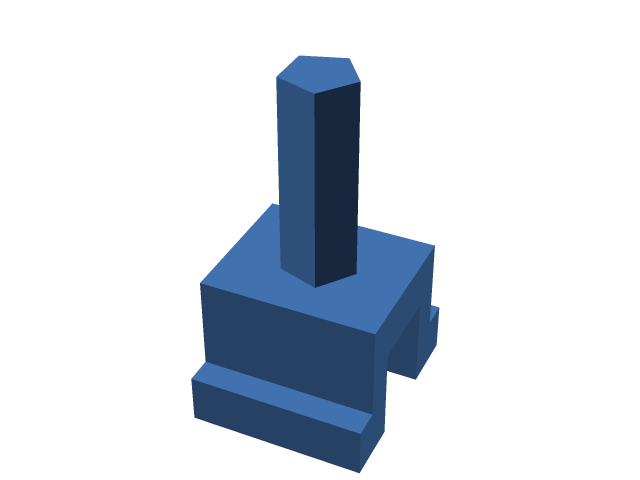 2020 Extrusion
Snap-in clip
parametric
MIT
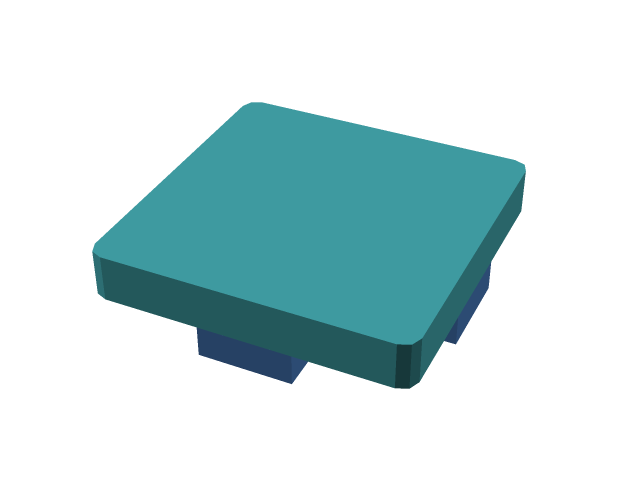 2020 Extrusion
End-face plate
parametric
MIT
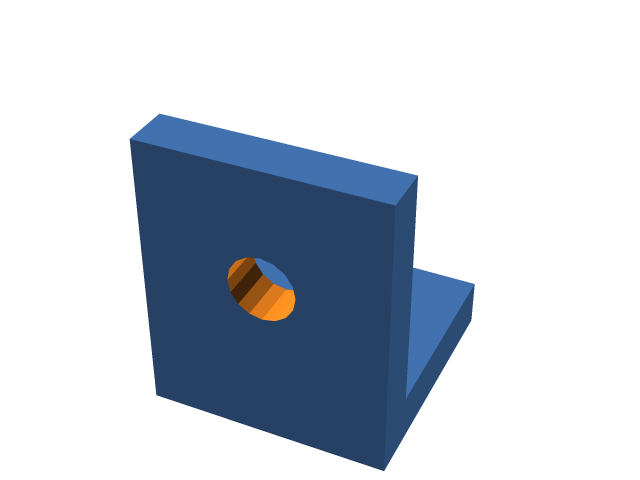 2020 Extrusion
Corner bracket
parametric
MIT
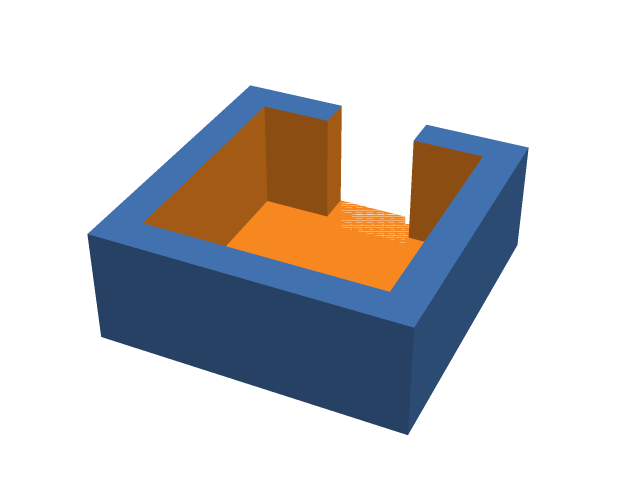 2020 Extrusion
Profile C-clip
parametric
MIT
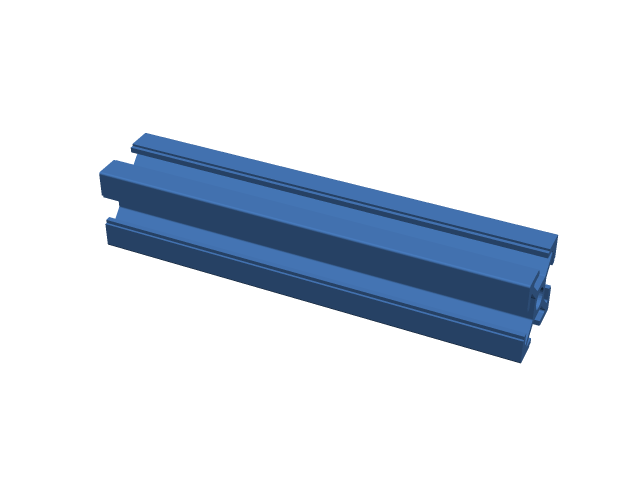 2020 Extrusion
T-slot rail (printable stand-in)
parametric
Apache-2.0
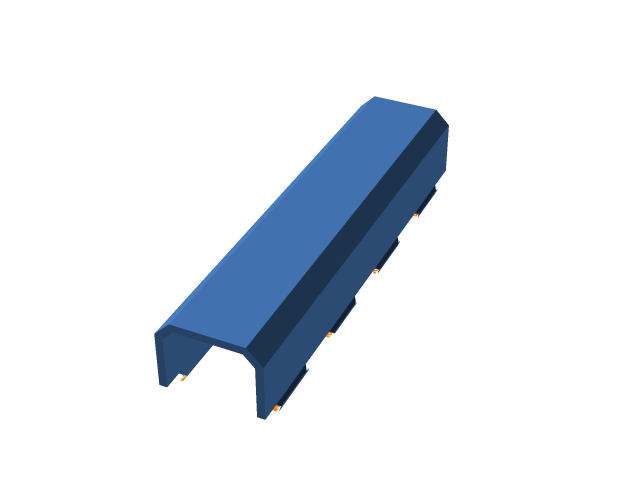 Underware
openGrid straight channel
exact
CC-BY-NC-SA-4.0
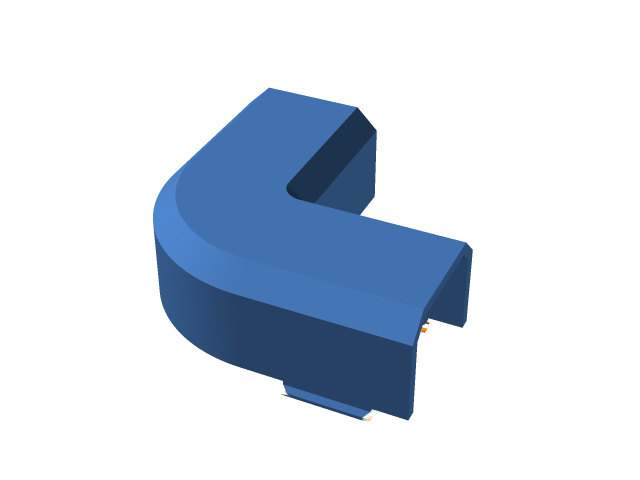 Underware
openGrid L channel
exact
CC-BY-NC-SA-4.0
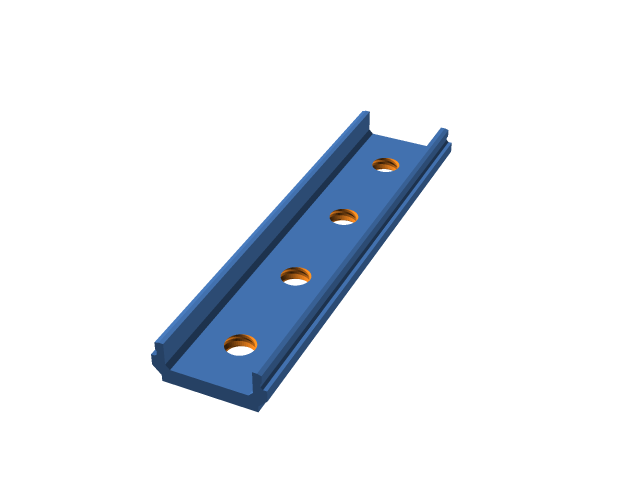 Underware
Straight channel base
exact
CC-BY-NC-SA-4.0
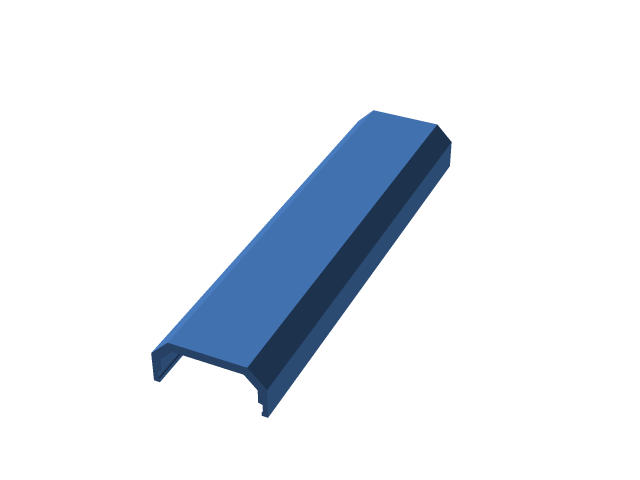 Underware
Straight channel top
exact
CC-BY-NC-SA-4.0
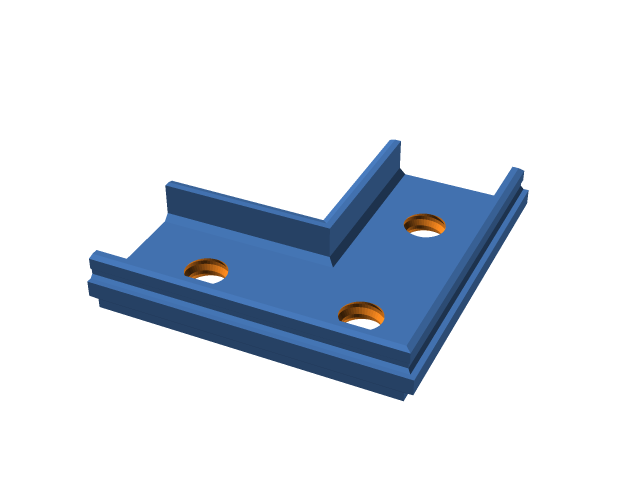 Underware
L channel base
exact
CC-BY-NC-SA-4.0
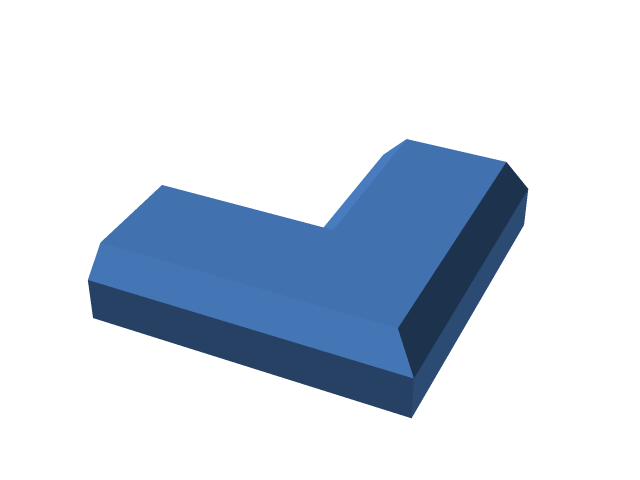 Underware
L channel top
exact
CC-BY-NC-SA-4.0
Wherever you work
Nothing to install. OpenSCAD runs in your browser as WebAssembly, so every part renders on your own machine and nothing you make is uploaded.
Open the appThe same app for macOS and Windows. It works offline, and opens and saves files through your system's own dialogs.
Download itRender any part with a native OpenSCAD, save your own defaults, and script a drawer's worth of bins.
$ foundry render gridfinity/bin --gx 2 --magnets -o out/
wrote out/gridfinity_bin.stl
Desktop app · v0.5.0
Free for macOS and Windows, with no account and no connection needed. The engine, the parts and their sources are all built in.
For Macs with Apple silicon or an Intel processor
Not notarized yet: the first time, allow it under System Settings → Privacy & Security.
For Windows 10 and 11
Not code-signed yet: in SmartScreen, choose More info, then Run anyway.
Any current browser, or Python and OpenSCAD
The web app is the desktop app's twin, and always the newest version.
Open source
Some of these projects define a standard; most recreate one as parametric code. Where a system has such an implementation, the parts call it instead of re-deriving it. The code here is MIT; each part names its source and carries that source's licence.
How the licences applyPick a part, set its size and download the STL before your printer has warmed up.